-
-
-
Abu Dhabi | Dubai | Musaffah


Interactive Flat Panel 65 Inch
|
A 65 inch interactive flat panel is the size most UAE rooms actually need. Not the size that photographs best in a brochure, and not the size a supplier upsells you to when the budget allows it, but the one that matches the depth of a normal classroom, a training room, or a meeting room seating eight to twelve people. Get the size right and the panel disappears into the room and just works. Get it wrong and you have either a screen the back row squints at or an expensive display that overwhelms the wall it is mounted on.
This model runs the same internals as our 75 inch Pro. Same 4K resolution, same 20-point infrared touch layer, same Android 11 system, same anti-glare tempered glass, same ports, same speakers. The only thing that changes is the diagonal. That matters, because size-based product ranges usually hide a specification downgrade in the smaller model, and buyers discover it after installation. Here you are choosing a screen size, not a tier.
The rule that has held up well across the schools and offices we have fitted out is this: the furthest viewer should sit no more than roughly six times the screen height away from the display. A 65 inch 16:9 panel is about 81cm tall, which puts your usable room depth at somewhere around 4.5 metres.
In practice that covers a great deal of what gets built in the UAE. A standard classroom of 20 to 25 students, arranged in rows or clusters, almost always falls inside it. Most meeting rooms designed for eight to twelve people do too. Training rooms with a horseshoe or cabaret layout are usually fine, because horseshoe seating pulls people closer to the front than rows do.
Where 65 inches stops being enough is a deeper or wider space: a classroom of 30-plus, a boardroom with a long table, a room where people sit six metres back. That is a 75 inch job, or an 86 inch one if the room runs past six and a half metres. We sell all three and we would rather tell you to buy the bigger one than have you replace a panel in eighteen months.
There is a second question worth asking before you commit to a size, and it is the one people forget: what will actually be on the screen? A panel showing large diagrams, video and handwriting can sit at the far end of the range comfortably. A panel that will regularly display a spreadsheet, a CAD drawing or dense text needs to be treated as smaller than it is, because the limiting factor is the size of the smallest character anyone has to read, not the diagonal. If your finance team will be reading budget lines off it, size up.
The panel uses an infrared touch layer that tracks up to 20 simultaneous contact points, lands within about 1mm of where the pen actually is, and responds in under 5 milliseconds.
Twenty is more than anyone strictly needs, and that is the point. What multi-touch capacity really buys you is the ability for several people to work at the board without the system getting confused about who is who. Four students solving four problems side by side. Two colleagues marking up different corners of a floor plan. A trainer annotating over the top while a participant drags an object across the screen. Panels with four or ten touch points can technically do this, but they tend to drop contacts or swap them under load, and the moment that happens in front of a class, people stop trusting the board and go back to the whiteboard on the side wall.
The accuracy and latency figures matter for a narrower but more important reason: handwriting. Ink that appears a few millimetres from the nib, or a fraction of a second behind it, feels wrong in a way that is difficult to articulate and impossible to ignore. People compensate by writing slowly and large, and then they stop writing at all. Under 5ms with 1mm accuracy is close enough to a dry-wipe marker that nobody thinks about it.
The layer also distinguishes between a pen tip, a fingertip and a palm. Write with the stylus, tap menu items with a finger, wipe with the side of your hand. No mode buttons, no toolbar to hunt for, no explaining the difference to a substitute teacher who has five minutes before the bell.
Interactive panels get treated like furniture. Chairs get pushed into them, bags swing into them, a hundred and fifty pairs of hands touch them every week, and in a school corridor a certain amount of deliberate abuse is a fact of life.
The front surface is 4mm tempered glass rated at Mohs level 7. In plain terms, that puts it above steel keys, coins, rings and the metal corner of a laptop on the hardness scale, which are the four things that actually scratch displays in the field. It will not stop a determined impact, but it will not accumulate the fine scratch haze that makes a three-year-old panel look tired.
Just as important is the anti-glare treatment. This is the specification most buyers skip and most regret. UAE buildings are full of glass and full of light. A gloss screen facing a window is unreadable for a good part of the day, and no amount of brightness compensates, because the problem is reflection rather than output. The matte surface on this panel diffuses reflections rather than mirroring them, which is what allows a 350 to 400 nit display to stay comfortably readable in a normally lit room.
The frame is matte-finish aluminium alloy in black or silver. Aluminium is a slightly boring detail that has a practical payoff: it sheds the heat a large panel generates without needing fans, so the panel runs silent. In a room where someone is trying to be heard, that is worth more than it sounds.
Viewing angle is 178 degrees, which in a real room means the student sitting at the far edge of the front row sees the same image, at the same brightness, as the one sitting square to the screen.
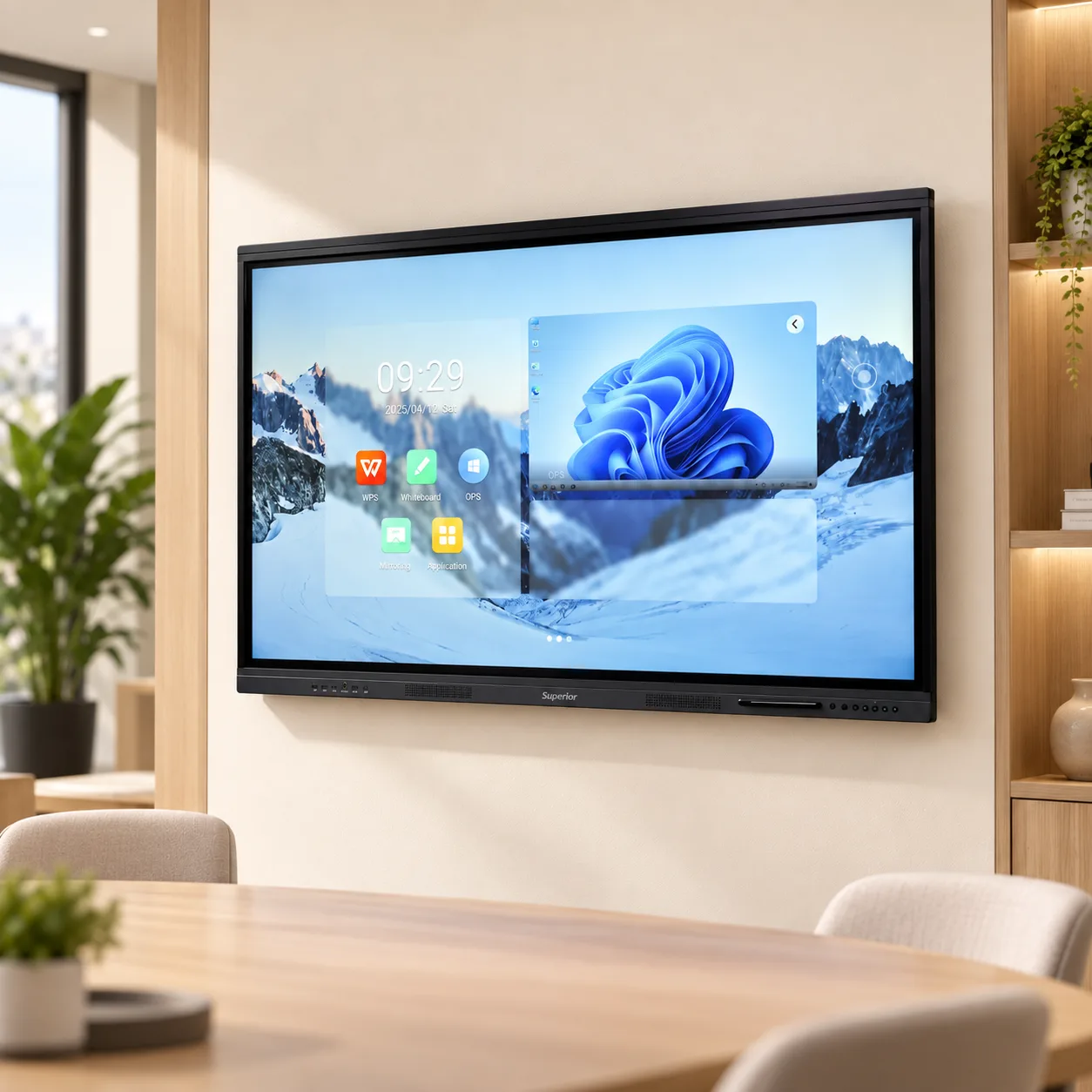
Android 11 runs on the panel itself, on a quad-core ARM Cortex-A73 with Mali-G52 graphics, 4GB of RAM and 32GB of eMMC 5.1 storage. Power on and the panel is ready. No boot sequence from a trolley PC, no waiting for someone to find the HDMI cable, no login to a machine that has decided to install updates.
What is already there:
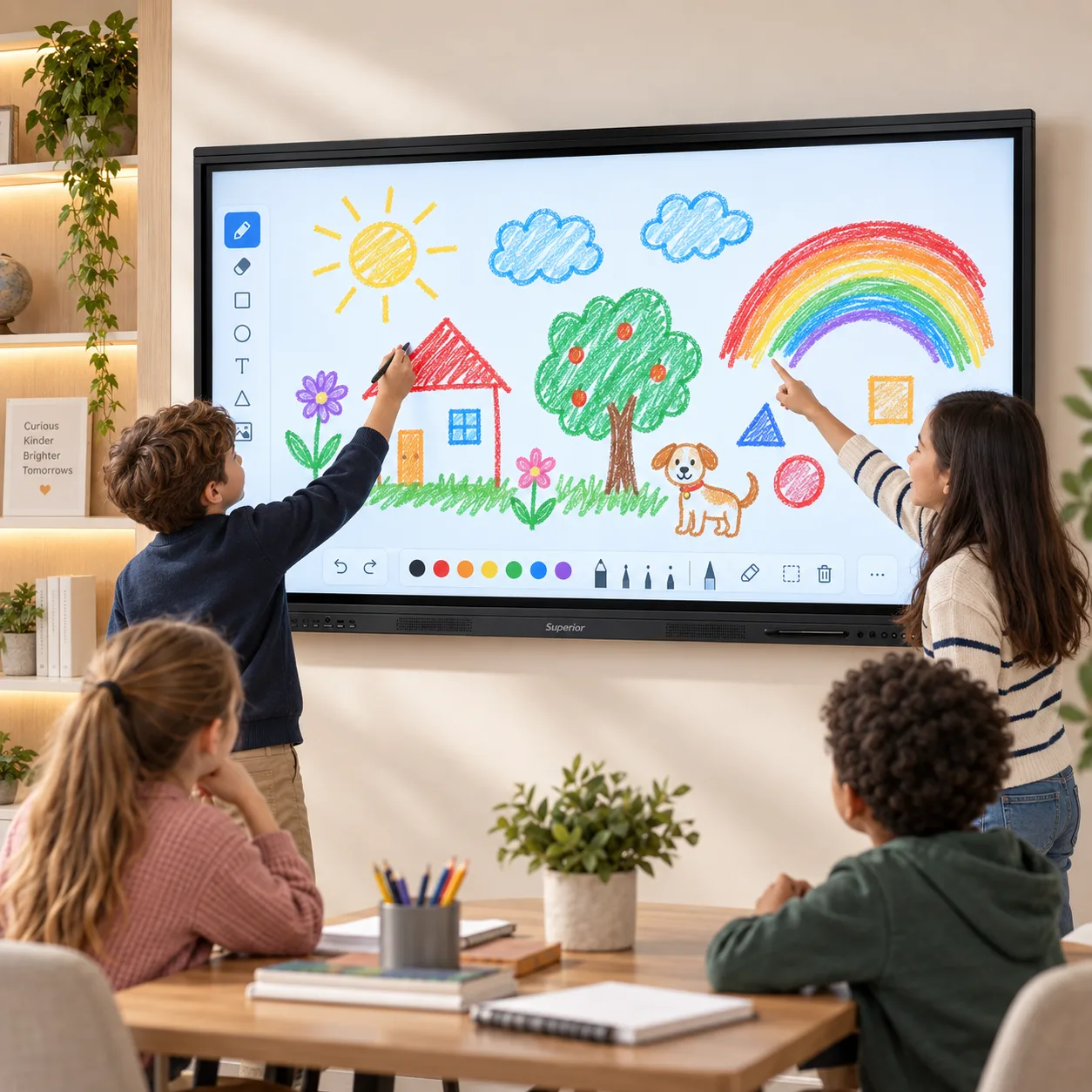
The whiteboard. Infinite canvas, pen and highlighter, shape recognition, and gesture-based erase. Save the board to the panel, to a USB stick, or export it and send it on. In a teaching context this quietly solves a problem that has existed since the first whiteboard: the board gets wiped, and the students who needed another look at it never get one.
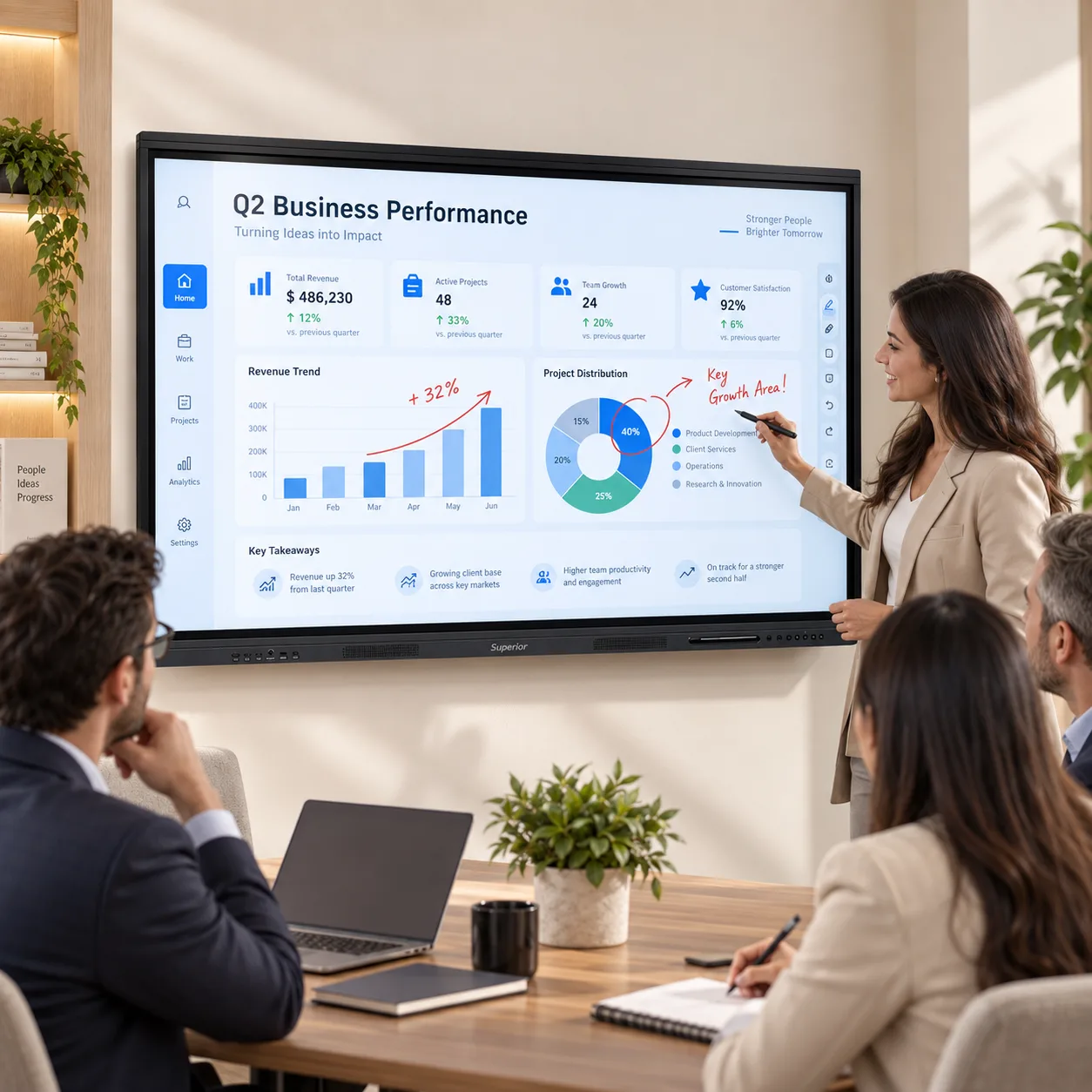
Annotation over anything. Freeze whatever is on screen - a webpage, a PDF, a video frame, a document - draw on top of it, and capture the result. This is the feature that gets used most often after the first week, and it is the reason people stop using a separate visualiser.
Split screen. Two applications side by side. A worked example on the left, the exercise on the right. The reference document on one half, the form being completed on the other.
Floating toolbar. The controls follow you to whichever edge of the panel you are standing at. On a 65 inch screen that is a smaller deal than on an 86, but it still means a shorter teacher is not reaching for a menu pinned to the top corner.
File support. PDF, PowerPoint, Word and Excel open natively on the panel. Bring a lesson or a deck on a USB stick and run it without a computer in the room at all.
Wireless casting. Windows, macOS, Android and iOS. A guest arrives, casts, and presents. Multiple devices can be queued so the handover between two presenters takes a tap instead of a cable swap.
Plenty of rooms do. Domain login, Microsoft Teams, a school management system, AutoCAD, an assessment platform that was written for a desktop browser and has never been tested on anything else.
The panel takes a slot-in OPS module: an Intel Core i5 or i7 with 8GB to 16GB of RAM and a 256GB to 512GB SSD. It sits inside the panel chassis, draws power from the panel, and switches over with a single tap. One power cable to the wall. No mini-PC velcroed to the back of the mount, no second remote, no HDMI lead working its way loose over a term.
If your users need whiteboarding, casting, document viewing and a browser, the built-in Android system is genuinely sufficient and the module is money you do not need to spend. If they need Windows software, the module is the clean way to get it. We would rather you asked us the question than guessed, because it is a decision that is awkward to reverse once the panel is on the wall. [CONFIRM: state whether the OPS module can be retrofitted after installation and whether it ships fitted or separate.]
Front bezel: USB 3.0, USB Type-C, touch USB, HDMI. Side panel: two HDMI inputs, one HDMI output, VGA, audio in, audio out, RS232, LAN, USB, AV.
The split is deliberate. The front ports are for people - the visitor with a laptop, the teacher with a memory stick, the trainer who brought their own machine. They are reachable without moving furniture or crouching behind a mount, which is the entire reason they exist.
The side and rear connections are for infrastructure and get connected once, at installation: a room PC, a document camera, the house sound system, a video conferencing bar, and RS232 for buildings running a centralised control system that needs to power panels on and off on a schedule. VGA is there because a surprising number of UAE institutions still have working equipment that only outputs VGA, and replacing it is not always in this year's budget.
LAN alongside dual-band Wi-Fi and Bluetooth. Wireless is fine for casting; if the panel is going to stream video daily, run the cable.
Two 15W speakers are built in. For a room of this size that is enough on its own - a video plays at a comfortable level for 25 people without anyone straining, and there is no separate soundbar to buy, mount, power or fault-find.
For video calls, connect a USB or Bluetooth conference microphone. For a larger space or an existing installed sound system, run audio out over line out or HDMI ARC.
Classrooms. The largest single use, and the one the size suits best. Hybrid and blended teaching are now standard across UAE curricula, and a panel that can cast from a teacher's tablet, annotate live, save the annotated version and share it afterwards handles that without a separate workflow. Students who were absent get the actual board, not a photograph of it.
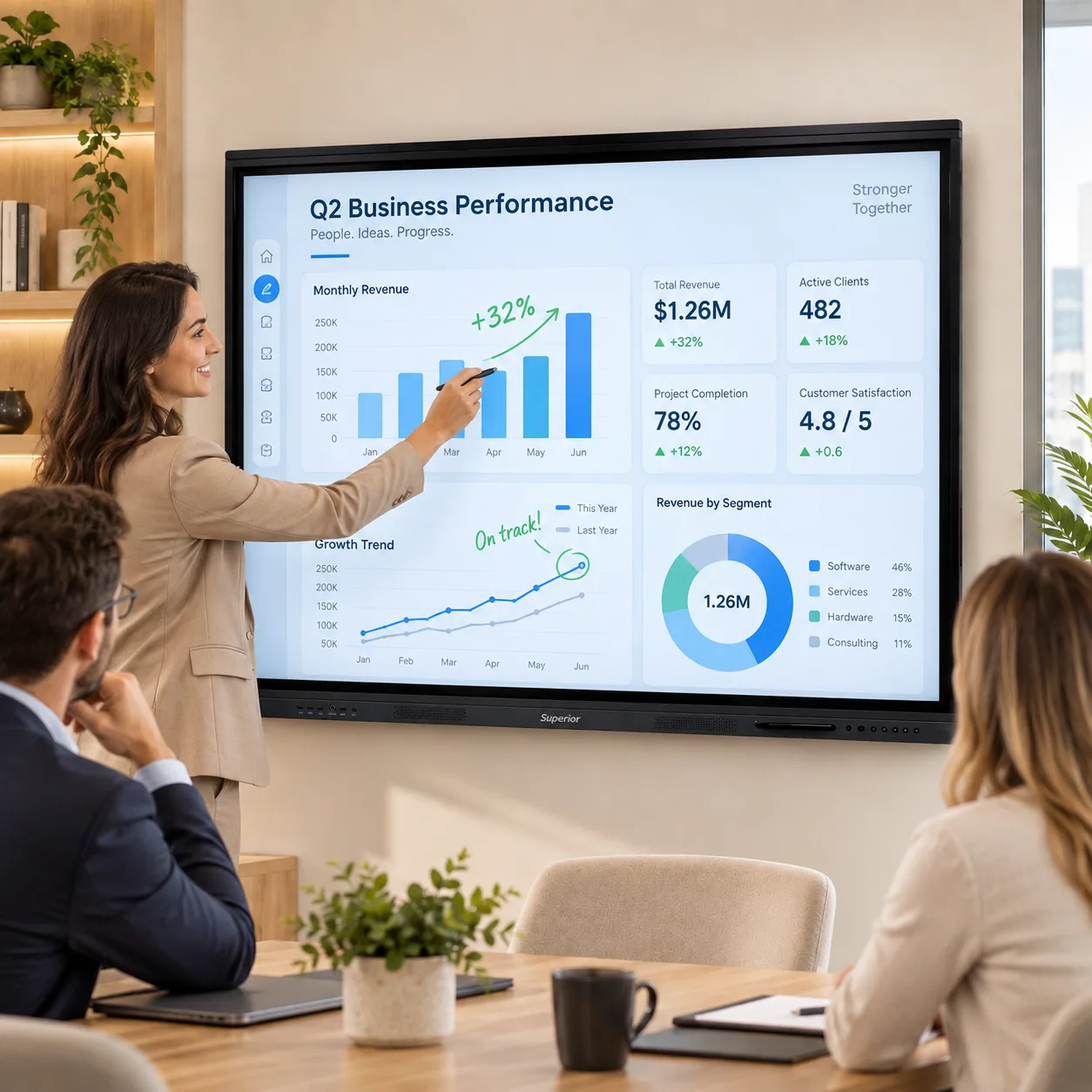
Meeting rooms. Eight to twelve seats, wireless casting, and mark-up during the call rather than notes taken about the call. The marked-up version goes out before people leave the room, which is usually the difference between a decision being recorded and being re-litigated a fortnight later.
Training rooms. Split screen earns its keep here. Reference on one side, exercise on the other, and a trainer who moves between sites can carry a course on a USB stick and use the panel's own system rather than depending on whatever PC is in the room.
Clinics, reception areas and retail. A 65 inch panel is a comfortable fit for a consulting room or a reception wall. Between sessions it runs signage, wayfinding or a browsable catalogue, which makes the same hardware do two jobs.
Government and free zone offices. Rooms of this size are common, and RS232 plus LAN control means the panel fits into a managed AV estate rather than sitting outside it.
We stock these, we deliver them, and our own engineers install them. Installation covers wall mounting, cable dressing, network connection, fitting the OPS module where one has been ordered, and a handover session so staff can use the whiteboard and casting tools before we leave. That last part is not a formality. The single biggest cause of an unused interactive panel is that nobody showed the people in the room how it works.
Coverage is all seven emirates: Dubai, Abu Dhabi, Sharjah, Ajman, Ras Al Khaimah, Fujairah and Umm Al Quwain. Service is handled by Superior Office Services engineers working out of Abu Dhabi and Dubai, not passed to a subcontractor. [CONFIRM: warranty period, whether it is on-site or return-to-base, and typical response time.]
Mounting. The panel ships with a VESA wall bracket. Verify the wall before ordering: a 65 inch panel is a substantial weight for a stud partition or a lightweight block wall, and a mobile stand or a floor-supported bracket is sometimes the right answer instead. Our installers will assess this on a site visit. [CONFIRM: weight and VESA pattern - list them so specifiers can plan.]
Multiple rooms. Schools fitting a floor and companies rolling out several rooms should talk to us rather than order online. Project pricing is different from list, and procurement teams generally need documentation that a web checkout does not produce.
Rental. If the need is a term, a project office, an exhibition or a temporary training programme, renting is often cheaper than buying and moves the cost from capital to operating budget. We have run printer rental in the UAE for years and the same structure applies here.
Against a projector. A flat panel is brighter in a normally lit room, has no lamp or filter to replace, needs no ceiling mount or throw distance, and adds touch. A projector still wins when the image needs to be larger than roughly 100 inches, or when the budget will not stretch. Over a five-year period the lamp and maintenance costs usually close most of the price gap.
Against a large TV plus a separate touch overlay. Cheaper on paper, and it works. It is also two products, two warranties, two failure points, and a calibration that drifts. Consumer TVs are not built for eight hours a day of continuous operation and their warranties often exclude commercial use.
Against our 75 inch Pro. Same specification throughout, larger screen, higher price. Choose on room depth, not on preference: under about 4.5 metres the 65 is the right buy, and beyond that the 75 is.
Panel, two smart stylus pens, VESA wall mounting bracket, remote control, USB touch cable, quick start guide and user manual. Floor stands, trolleys, conference camera bars and OPS modules are available separately.
Interactive panels are one of the few office purchases where a ten-minute conversation reliably saves money. Room depth, wall construction, whether you need Windows, whether rental fits better than purchase - these change the answer, and none of them are visible from a product page.
Call 800 SOS UAE (800 767 823), send a WhatsApp, or use the enquiry form on this page. We can arrange a demonstration at our Abu Dhabi or Dubai premises, or bring a unit to your site for school and corporate projects.
Additional Information
What can I help with?