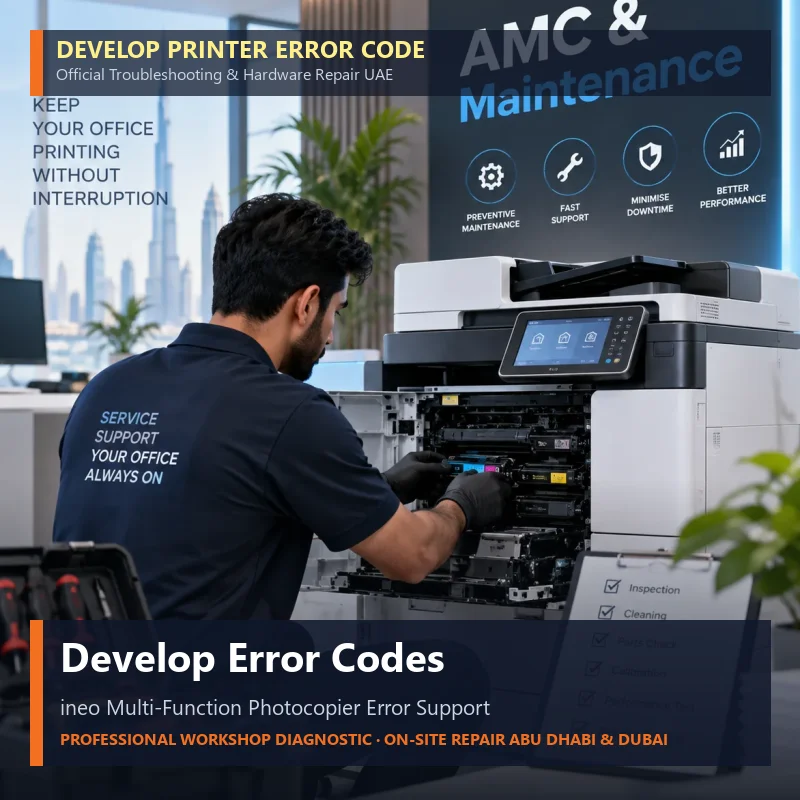
Printer & photocopier error codes, decoded

When a printer or copier stops with a code on the panel, that code identifies which part has faulted. Use this hub to find your brand, understand what the code points to, try the safe basic checks, and book a technician when the fault involves the fuser, laser, high-voltage or controller.

Error categories we cover

  • Paper & feeding — jams, misfeeds, tray and cassette faults

  • Toner & developer — empty, not-detected, density and waste-toner faults

  • Drum & imaging — drum, photoconductor, corona and transfer faults

  • Fuser & temperature — heater, thermistor and warm-up faults

  • Scanner & copier — scanner motor, lamp, ADF and scan-to-email faults

  • Network & communication — offline, IP, SMTP and driver faults

  • Hardware & system — motor, power-supply, memory, firmware and controller faults

Pick your brand below for the common codes and fixes.
FAQ

Frequently Asked Questions.

What does a printer error code mean? +
An error or service-call code is the machine telling you which subsystem has faulted — paper feed, toner, drum, fuser, scanner, network or controller. The prefix usually points to the area; the exact meaning varies by brand and model.
Can I clear a printer error code myself? +
Some codes clear with a safe power cycle or by clearing a paper jam or reseating a cartridge. Fuser, high-voltage, laser, electrical and controller-board codes need a qualified technician — do not open those assemblies.
Do you repair error codes on-site in the UAE? +
Yes. SOS provides on-site printer and photocopier error-code repair across Abu Dhabi, Mussafah, Dubai, Sharjah and other UAE cities, with genuine spare parts and fast response.
Canon
Epson
HP
Konica Minolta
Kyocera
Ricoh
Sharp
Superior
Triumph Adler
UTAX
Smart Summary

|

SOS - Superior Office Services logo
Go Back Top
Hi 👋 How can I help you?