-
-
-
Abu Dhabi | Dubai | Musaffah
A printer problem can turn into a business problem in minutes. A paper jam can hold up documents. A scanning issue can stop file sharing. Poor print quality can ruin office work. A printer problem is a way to disrupt daily tasks.
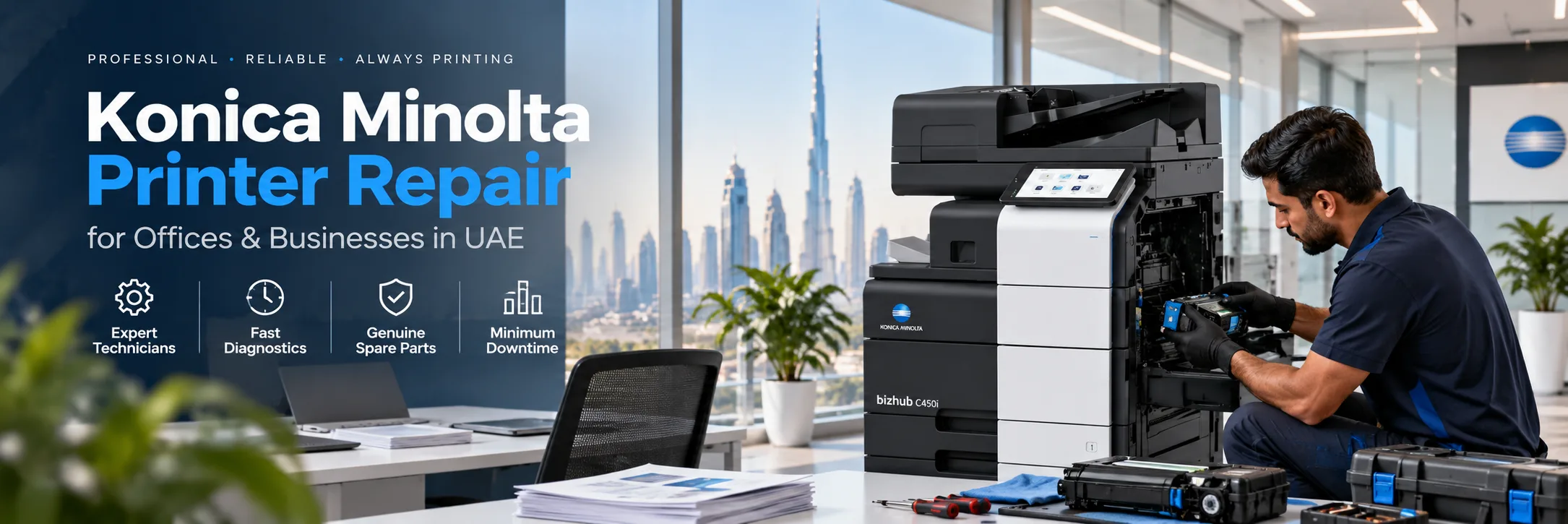
Superior Office Services LLC, known as SOS, offers Konica Minolta printer repair in UAE. They service office printers, multifunction devices and photocopiers that are supported. Konica Minolta printer repair is available for all those devices. Service requests are handled in Abu Dhabi, Dubai, Musaffah and other UAE locations depending on service availability.
Request Konica Minolta Printer Service | Contact SOS
Before requesting service, knowing what your Konica Minolta printer is doing can help with the initial assessment.
Repeated jams can occur in the cassette, bypass tray, duplex path, document feeder or other areas of the paper path.
Faded output, lines, marks, background shading and uneven colour may require inspection of toner, imaging, transfer, fixing or related components.
If an error appears, take a clear photograph of the complete message and provide the exact printer model. This allows the issue to be assessed according to the specific machine.
Scanning, copying and document-feeder problems can affect daily office work. SOS can assess supported devices based on the reported symptoms.
If the printer works from one computer but not another, then it might be with the network, driver, port or workstation setup.
Scanning to email and scanning to folder may be impacted by some adjustments to the password, login, email configuration, servers or network permissions.
SOS manages service requests for supported Konica Minolta bizhub colour and monochrome multifunction devices. Konica Minolta bizhub devices are recommended for printing, copying, scanning and handling A3 documents. Each Konica Minolta bizhub device uses parts and settings based on its specific model number. Before you ask for service make sure you have the full model number of your Konica Minolta bizhub device ready.
Color multifunction printers can have color issues like colors, faded prints, lines, spots or marks. Monochrome copiers can have problems like paper getting stuck, prints, issues with the automatic document feeder or problems, with printing over the network.
The real reason should be found by looking at how the machine's working and the signs it is showing instead of just guessing the problem based on how the print looks.
Problem | What to Send SOS | Possible Inspection |
Paper jam | Jam location | Paper-feed system |
Poor print quality | Photo or print sample | Print-quality components |
Error code | Error photo | Model-specific diagnosis |
Cannot print | Affected computers | Network or driver |
Scan failure | Error details | Scanner/configuration |
Toner warning | Model and toner code | Consumable check |
Send the following details when contacting SOS:
Complete Konica Minolta model number
Error message or code
Description of the problem
Affected function
UAE office location
Print sample or error photograph
Any recent toner, network or equipment changes
Konica Minolta equipment can be found in corporate offices, schools, clinics, warehouses, logistics companies, trading companies and building sites. SOS can evaluate supported machines based on the model, failure and business requirement.
Repair could work if the problem is isolated to one part, the machine is still carrying the load, and the parts are accessible. Replacement might be the route to go if several major parts need repairing, if sourcing the needed parts proves difficult, or if constant breakdowns hamper the normal workflow. SOS can talk through repair or replacement options once the issue has been looked at closely.
SOS provides Konica Minolta printer service UAE for any queries Sharjah, Al Ain, Ajman and across other areas of the UAE if the service is available. Customers who are located far from the area can specify the location and machine model.
SOS may also be able to help you with your printer and photocopier repair questions, AMC and maintenance, toner and consumables, spare parts, printer sales, refurbished equipment and rental printers.
Share the complete printer model.
Explain the fault or symptom.
Send an error photograph if available.
Provide your UAE office location.
Mention which functions are affected.
SOS reviews the service requirement.
For photocopier repair in the UAE, by Konica Minolta get in touch with Superior Office Services LLC. Provide your machine model and the details of the problem you are facing. In Abu Dhabi call 02 442 9966. In Dubai dial 04 324 0050. In Musaffah contact 02 550 5265. You can also message via WhatsApp at +971 50 969 4734. Go to sosauh.com to send your service request.
Everything you need to know. Detailed
overview of our frequently asked questions
A Comprehensive Guide to Our Frequently Asked
Questions
Find the Information You’re Looking For
Yes. SOS deals with Konica Minolta printer and photocopier service requests across Abu Dhabi, Dubai, Musaffah and other locations, in the UAE depending on availability.
SOS works on supported Konica Minolta bizhub and older office devices. Parts and repair availability depend on the model.
Yes. We can assess and repair supported bizhub devices, for issues related to printing, copying, scanning, paper feeding and network connectivity.
Yes. To troubleshoot the cause of recurring paper jams, an SOS inspection of the paper path trays, paper feed system, duplex system and document feeder can be performed.
Get a photo of the error message on the Konica Minolta printer before sending it to the reviewer, and note the printer model number.
Yes, SOS can look into printer scan‑to‑email problems. Network settings, authentication and email settings also may need to be checked.
Yes, we can inspect fading, lines, marks and uneven colour on Konica Minolta prints. Sending a print sample or a photo can help with diagnosis.
Yes, businesses can ask about maintenance options, for supported Konica Minolta office equipment.
The choice between repair and replacement depends on the fault, the condition of the Konica Minolta copier, whether parts are available and the needs of your office. SOS can help you understand the options after we take a look at the situation.
If you want Konica Minolta printer repair, in the UAE contact SOS. You can visit sosauh.com. Send a WhatsApp message to +971 50 969 4734. For phone calls use the following numbers: Abu Dhabi: 02 442 9966 Dubai: 04 324 0050 | Musaffah: 02 550 5265.






What can I help with?