Introduction: The Significance of Printer Maintenance
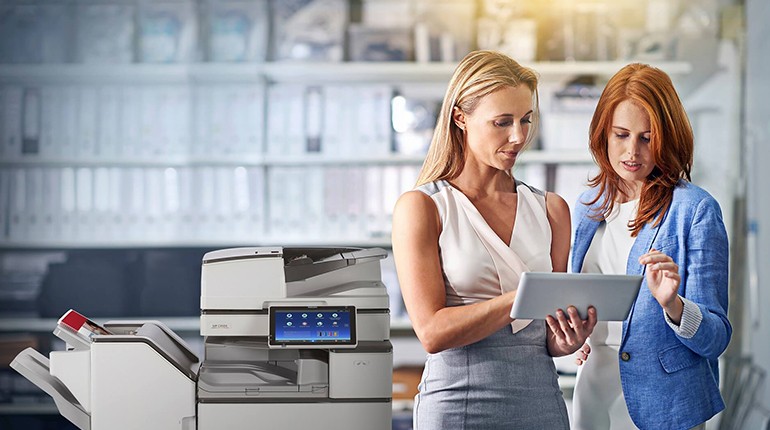
The presence of printers that are hard to maintain or require complex repairs is not beneficial within the office setup. This situation leads to reduced efficiency due to delays, and the involvement of external technicians for small problems results in increased maintenance costs. Choosing printers that are easy to maintain offers several benefits. In this paper, we shall look at the significance of maintenance, characteristics of printers that are easy to maintain, examples of printers that are easy to maintain, and ways of selecting printers that remain easy to maintain even in the future.
Meaning of “Easy to Maintain and Repair”
A printer that is easy to maintain is one that has some important features. For instance, it should allow users or the technician working on the machine to reach its internal parts, such as the paper path, rollers, fusers, and trays, without having to dismantle major parts. Another feature that makes a printer easy to maintain is when it has modular components that can be replaced instead of being aligned or calibrated. Such a machine has diagnostic tools, status reports, and self-testing abilities.
Design Features to Assist Maintenance
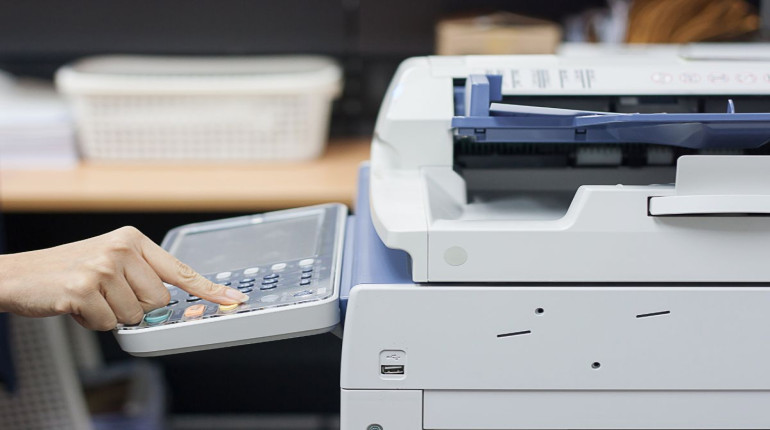
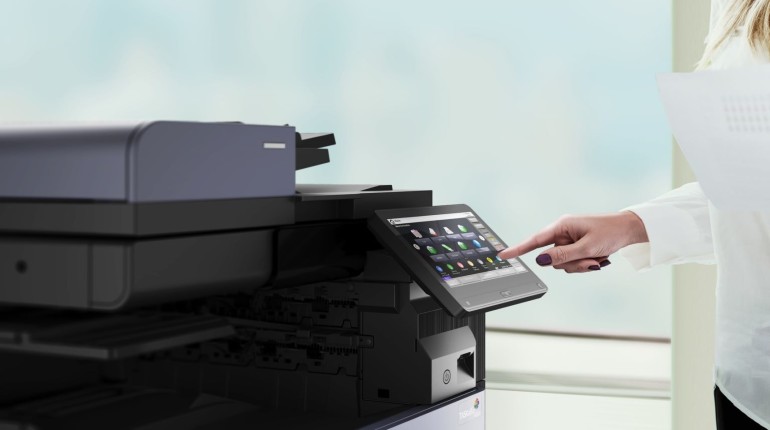
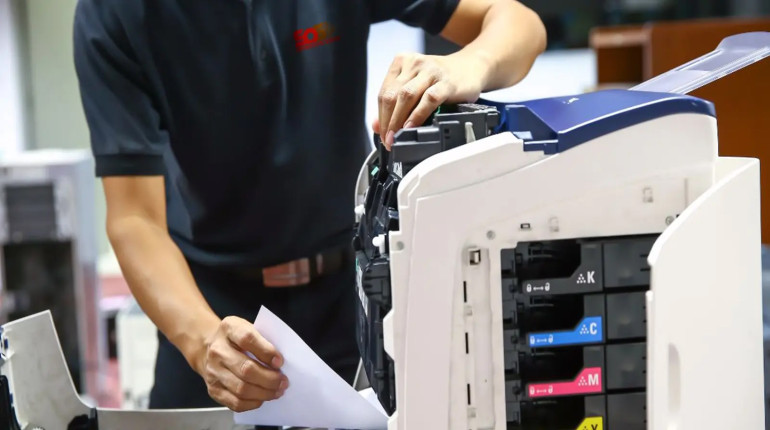
Modularity is one of the essential features that make maintenance easy. Printers are designed in modules, whereby there are modules for each consumable and wear part, such as drums, fusers, rollers, and belts, which are relatively simple to repair since they are easily detachable. Toolless access to printers also enables quick inspection of printers since panels of the machine can simply be opened through latches and levers. Printers with clear paper paths are not likely to jam, and hence they are less likely to experience mechanical malfunctions that would require repairs. The status display that gives information regarding the status of printer components or errors in the system also makes it easier to troubleshoot potential problems.
Serviceability Practical Indicators
While comparing printers, there are practical indications you can use or even measure. Open up the covers and assess how easy it will be for you to get to the toner, drums, and rollers. Count the number of screws or other components that might be required to do this. Find out whether components such as the rollers and trays have been keyed into place to avoid getting misplaced. Ask whether the manufacturer supplies wear components to the consumer and whether they ship them in time to you as well. Find out whether there are any routers or control panels that have been marked in the service manual. Determine if the machine allows firmware updates from remote locations as well.
Models Known for Ease of Maintenance
Some printer models and product lines are widely acknowledged for their maintainability. Kyocera’s business and workgroup devices often use modular drums and toners that users can replace easily. Many models have front access panels and labelled components. Similarly, enterprise lines from providers like Canon or Konica Minolta are built to be serviceable, with field-replaceable modules and well-documented parts. In more compact printers, monochrome laser models tend to be simpler and more reliable, making repairs feasible without deep disassembly.
For instance, in reviews of Kyocera’s printers, users often mention the relative ease of replacing drums, rollers and guides without tools. Some user communities even publish step-by-step maintenance guides for models for years. In larger copiers, manufacturers often provide “service mode” diagnostics that let a technician isolate faults quickly rather than guess.
Trade-Offs and What Makes Maintenance Hard
Some printers are difficult to maintain due to the high number of features being crammed into a small form factor, which makes servicing them challenging. There are some models that have glue and seals for their parts, and others have a complicated calibration process that needs to take place in dedicated workshops. If the replacement parts come from the printer manufacturer alone, repair will cost you more, or it will take some time before the parts arrive. The locked firmware or diagnostic features hidden in the service menu will stop you from troubleshooting your printer. Printers that incorporate electronics into consumable parts will force you to replace the whole unit instead of just replacing the damaged parts.
Tips to Ensure Your Printer Remains Serviceable
In choosing a printer, ask for the manual on servicing or maintenance or verify its availability. Select products from companies that have solid logistics for spare parts. Have potential suppliers do a demonstration of some routine maintenance procedures. Your rental/support agreement should cover the cost of replacing items that are worn out, in addition to fixing any breakdowns. Have a ready stock of consumables and wear parts such as rollers/fusers. Train your people on how to clear paper paths and other debris. Perform preventive maintenance at scheduled intervals.
Conclusion
Easy-to-service printers give you security, reduce service costs, and improve availability. You want printers with a modular design, easy access, and diagnostics. There are many business printer series known for such qualities. If you consider serviceability when purchasing printers, then the print system you set up will continue to operate smoothly in the future.